Introduction
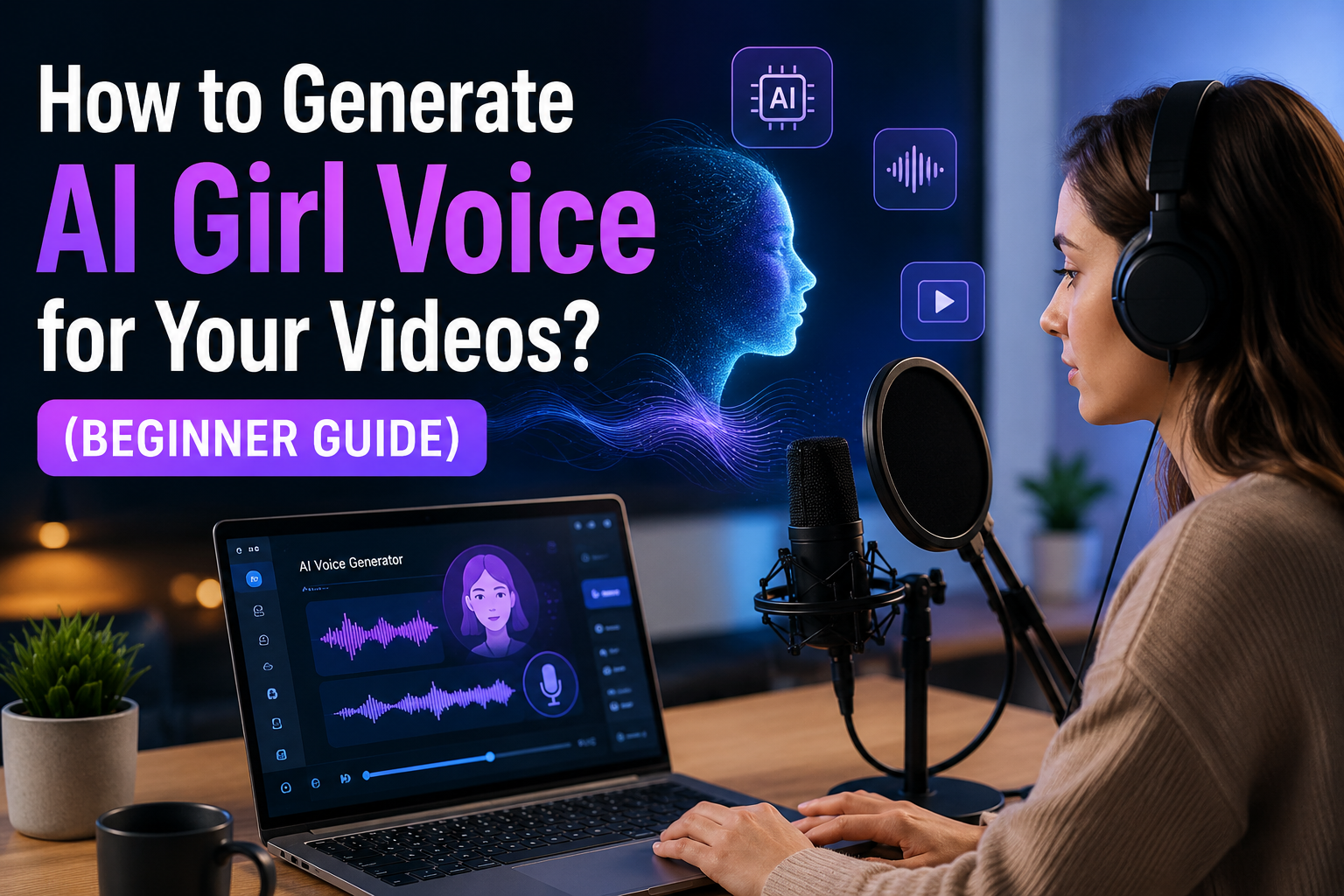
Ever heard a video with a soft, natural female voice and thought, “Wow, this sounds so real, is it even AI?”
That’s exactly the power of AI girl voice generation.
Today, AI voice technology has completely changed how creators make content. You no longer need a recording studio, expensive microphones, or professional voice artists to produce high-quality voiceovers. Everything can be done from your laptop or even your phone.
That’s why so many YouTubers, educators, marketers, and short-form creators are switching to AI voices. It helps them create content faster, cheaper, and more consistently, without compromising on clarity or quality.
But if you’re just starting out, it can feel a bit confusing at first.
These are all valid questions and you’re not alone in asking them. You don’t need any technical background or editing experience. AI voice tools are designed to be simple. If you can type text, you can create a voiceover. With the right steps, you can turn plain text into a natural-sounding female AI voice in just a few minutes.
An AI girl voice is a computer-generated female voice created using artificial intelligence. It reads your written text and converts it into natural-sounding speech that closely resembles a real human voice. These voices are designed using advanced AI models that learn from real human speech patterns, tone, and emotions. Because of this, modern AI voices can sound smooth, expressive, and surprisingly realistic in many cases.
Today, AI girl voices are becoming a popular choice for creators who want to produce high-quality content quickly and efficiently without recording their own voice.
These voices are used in:
Why creators love AI girl voices:
Generating an AI girl voice is actually very simple once you understand the workflow. You don’t need any recording equipment or technical skills, just follow these steps in order and you can create a natural-sounding voice in minutes.
Everything starts with your written text. The quality of your script directly affects how good your voiceover will sound.
Keep your script:
Avoid long, complicated sentences because AI voices sound better when the text is clean and clear.
Next, select a tool that supports female or girl voice generation.
Some popular options include:
Each tool offers different voice styles, accents, and emotional tones. Some sound more realistic, while others are better for fast content creation.
Once you open the tool, go to the voice settings.
Here you will:
This step is important because it defines the personality of your AI voice.
Now it’s time to generate your voice.
Then click Generate. Within seconds, the AI will convert your text into a fully spoken female voice. It feels almost like magic the first time you try it.
Never skip this step, it makes a big difference. Carefully listen to the generated voice and check:
If something feels off, adjust the settings or rephrase your script and generate again.
Once you’re happy with the voice:
Now your video has a professional AI-generated female voiceover that sounds clear and engaging.
Creating voiceovers manually is not as easy as it looks. It takes time, proper equipment, and sometimes even money to hire a voice artist. Many beginners don’t have access to a good microphone, quiet recording space, or professional editing skills. Because of these limitations, producing quality voiceovers becomes a real challenge for many creators.
Now think about what happens when voiceovers are difficult to create.
Many creators start to:
Their videos feel incomplete. Viewers struggle to understand the message, lose interest quickly, and often stop watching. Even good content gets ignored just because the audio quality is poor or missing.
This is where AI girl voice tools completely change the game. Instead of spending hours recording and editing, you can simply type your script and generate a professional-sounding voice in seconds.
AI voice tools help you:
AI girl voice technology removes the biggest barriers in content creation and makes it possible for anyone to produce fast, easy, and professional-quality videos without extra effort or cost.
Creating a good AI girl voice is not just about typing text and clicking generate. If you want your voice to sound natural, clear, and professional, you need to follow a few simple but important practices. Small adjustments can make a big difference in how your final audio feels.
Popular and reliable tools include:
Start today. Pick an AI tool, write a short script, and generate your first AI girl voice.
Once you hear the result, you’ll realize how powerful and simple this technology really is.
Ever heard a video with a soft, natural female voice and thought, “Wow, this sounds so real, is it even AI?”
That’s exactly the power of AI girl voice generation.
Today, AI voice technology has completely changed how creators make content. You no longer need a recording studio, expensive microphones, or professional voice artists to produce high-quality voiceovers. Everything can be done from your laptop or even your phone.
That’s why so many YouTubers, educators, marketers, and short-form creators are switching to AI voices. It helps them create content faster, cheaper, and more consistently, without compromising on clarity or quality.
But if you’re just starting out, it can feel a bit confusing at first.
You might be thinking:
- How do I actually generate an AI girl voice?
- Which tool should I trust?
- Will it sound natural or robotic?
- Can I use it for YouTube or business videos?
These are all valid questions and you’re not alone in asking them. You don’t need any technical background or editing experience. AI voice tools are designed to be simple. If you can type text, you can create a voiceover. With the right steps, you can turn plain text into a natural-sounding female AI voice in just a few minutes.
What Is an AI Girl Voice?
An AI girl voice is a computer-generated female voice created using artificial intelligence. It reads your written text and converts it into natural-sounding speech that closely resembles a real human voice. These voices are designed using advanced AI models that learn from real human speech patterns, tone, and emotions. Because of this, modern AI voices can sound smooth, expressive, and surprisingly realistic in many cases.
Today, AI girl voices are becoming a popular choice for creators who want to produce high-quality content quickly and efficiently without recording their own voice.
These voices are used in:
- YouTube videos
- E-learning content
- Ads and marketing videos
- Social media reels and shorts
- Explainer and tutorial videos
Why creators love AI girl voices:
- Fast and easy to generate You can create voiceovers in just a few clicks without any recording setup.
- No recording needed No microphone, studio, or voice talent required.
- Works in multiple languages Easily create content for global audiences in different languages.
- Sounds very natural (with good tools) Modern AI tools produce voices that are clear, smooth, and almost human-like.
How to Generate AI Girl Voice
Generating an AI girl voice is actually very simple once you understand the workflow. You don’t need any recording equipment or technical skills, just follow these steps in order and you can create a natural-sounding voice in minutes.
1. Write Your Script
Everything starts with your written text. The quality of your script directly affects how good your voiceover will sound.
Keep your script:
- Short and simple
- Easy to read aloud
- Natural and conversational (like talking to a friend)
Avoid long, complicated sentences because AI voices sound better when the text is clean and clear.
2. Choose an AI Voice Tool
Next, select a tool that supports female or girl voice generation.
Some popular options include:
- ElevenLabs
- Murf AI
- PlayHT
- CapCut AI Voice
Each tool offers different voice styles, accents, and emotional tones. Some sound more realistic, while others are better for fast content creation.
3. Select “Female / Girl Voice” Option
Once you open the tool, go to the voice settings.
Here you will:
- Choose your language
- Select a female voice model
- Pick a tone (soft, friendly, professional, energetic, etc.)
This step is important because it defines the personality of your AI voice.
4. Paste Your Script
Now it’s time to generate your voice.
- Copy your prepared script
- Paste it into the AI tool
- Double-check spelling and punctuation
Then click Generate. Within seconds, the AI will convert your text into a fully spoken female voice. It feels almost like magic the first time you try it.
5. Listen and Adjust
Never skip this step, it makes a big difference. Carefully listen to the generated voice and check:
- Pronunciation of words
- Speaking speed (too fast or too slow?)
- Tone and emotion
- Overall natural flow
If something feels off, adjust the settings or rephrase your script and generate again.
6. Download and Use in Your Video
Once you’re happy with the voice:
- Download the audio file
- Import it into your video editor
- Sync it properly with your visuals
Now your video has a professional AI-generated female voiceover that sounds clear and engaging.
PAS Framework
Problem
Creating voiceovers manually is not as easy as it looks. It takes time, proper equipment, and sometimes even money to hire a voice artist. Many beginners don’t have access to a good microphone, quiet recording space, or professional editing skills. Because of these limitations, producing quality voiceovers becomes a real challenge for many creators.
Agitation
Now think about what happens when voiceovers are difficult to create.
Many creators start to:
- Delay or postpone their video content
- Use low-quality or unclear audio just to save time
- Or completely avoid adding voiceovers
Their videos feel incomplete. Viewers struggle to understand the message, lose interest quickly, and often stop watching. Even good content gets ignored just because the audio quality is poor or missing.
Solution
This is where AI girl voice tools completely change the game. Instead of spending hours recording and editing, you can simply type your script and generate a professional-sounding voice in seconds.
AI voice tools help you:
- Generate voiceovers instantly without recording
- Avoid needing a microphone or studio setup
- Maintain consistent, clear, and high-quality audio every time
- Quickly update or regenerate voice if needed
AI girl voice technology removes the biggest barriers in content creation and makes it possible for anyone to produce fast, easy, and professional-quality videos without extra effort or cost.
AI Girl Voice vs Human Voice (Comparison Table)
| Feature | AI Girl Voice | Human Voice |
| Speed | Very fast | Slow (recording needed) |
| Cost | Low or free | Higher |
| Quality | Very natural (modern tools) | Highly emotional |
| Flexibility | Easy edits | Needs re-recording |
| Best For | YouTube, e-learning | Storytelling, ads |
Best Practices for Better AI Voice
Creating a good AI girl voice is not just about typing text and clicking generate. If you want your voice to sound natural, clear, and professional, you need to follow a few simple but important practices. Small adjustments can make a big difference in how your final audio feels.
- Use short sentences AI voices sound much better when the text is simple and easy to follow. Short sentences help the voice flow smoothly and reduce robotic or unnatural pauses.
- Avoid complex grammar Try to keep your language simple. Complicated sentence structures can confuse the AI and make the voice sound less natural. Write like you’re explaining something to a friend.
- Choose natural-sounding voices Not all AI voices are the same. Always pick voices that sound realistic and human-like. A natural voice keeps your audience engaged and makes your content more enjoyable.
- Adjust speed carefully Speed plays a huge role in voice quality. If it’s too fast, viewers may miss information. If it’s too slow, they may lose interest. Always find a balanced, comfortable pace.
- Always preview before exporting Never skip the final check. Listen to the full audio before using it in your video. This helps you catch small issues like awkward pauses, wrong pronunciation, or unnatural tone.
FAQs (Frequently Asked Questions)
1. What is an AI girl voice?
An AI girl voice is a computer-generated female voice created using artificial intelligence. It reads your written text and converts it into natural-sounding speech that can be used in videos, ads, and online content.2. Is AI voice better than real voice?
It depends on your goal. AI voice is faster, easier, and more scalable, especially for bulk content creation. However, human voices often feel more emotional and expressive, which can be better for storytelling or personal branding.3. Can I use AI girl voice for YouTube?
Yes, many YouTubers use AI girl voices for faceless channels, tutorials, explainers, and educational content. It helps them create videos quickly without recording their own voice.4. Is it free to use AI voice tools?
Some AI voice tools offer free plans with basic features, while advanced voices and premium quality usually require a paid subscription. You can start free and upgrade later if needed.5. Which AI tool is best for female voice?
Popular and reliable tools include:
- ElevenLabs
- Murf AI These platforms are known for high-quality, natural-sounding female voices and multiple voice styles.
6. Does AI voice sound natural?
Yes, modern AI voice technology has improved a lot. Many voices now sound very realistic, especially when you use proper scripts and good settings.7. Can I change the accent?
Yes, most AI voice platforms allow you to choose different accents, tones, and speaking styles. This helps you match the voice with your target audience or video type.8. Do I need a microphone?
No, you don’t need any microphone or recording setup. Everything is text-based, just type your script, and the AI generates the voice for you.9. Can I use AI voice for commercial videos?
Yes, but it depends on the tool you are using. Always check the licensing and usage rights before using AI-generated voices in commercial or client projects.10. Is AI voice good for beginners?
Yes, it is one of the best tools for beginners. It is simple, fast, and requires no technical skills, making it perfect for new content creators.Conclusion
Generating an AI girl voice for your videos is one of the easiest ways to upgrade your content. It saves time, reduces effort, and helps you create professional-quality videos even if you have no recording experience. With just a script and a few clicks, you can produce a natural-sounding voice that engages your audience instantly.Start today. Pick an AI tool, write a short script, and generate your first AI girl voice.
Once you hear the result, you’ll realize how powerful and simple this technology really is.