How to Cancel Dubbing AI Subscription (Without Confusion)
Introduction
So, you signed up for Dubbing AI. Maybe you were just curious. Maybe you wanted to try it out for a project. Or maybe it simply looked interesting at the time and you thought, “Why not?”
And now? You’re sitting there thinking, “Alright, I don’t really need this anymore.”
That’s completely normal. It happens more often than you think.
But here’s the part no one really talks about. Canceling a subscription isn’t always as easy as signing up for it. Sometimes the option is tucked away somewhere in the settings. Sometimes you click around and still can’t find it. And sometimes, it just feels like the platform doesn’t want you to leave. Meanwhile, the billing date comes and you get charged again.
That’s where it starts to feel frustrating. Not because it’s impossible but because it’s unclear. You shouldn’t have to guess your way through something this simple. So instead of wasting time searching or worrying about another charge, let’s go through it calmly, step by step. No confusing terms. No unnecessary details. Just a clear path you can follow and get it done in a few minutes.
First, Let’s Clear One Thing Up
Before you cancel, there’s something important you should know. Canceling your subscription doesn’t mean everything stops instantly.
Usually:
- You won’t be charged again
- But you can still use the service until your current billing period ends
So if you paid for a month, you’ll likely keep access until that month finishes. Also, this is important canceling doesn’t usually give you a refund for what you already paid. It just stops future payments. Think of it like canceling a Netflix plan. You can still watch until the time you paid for runs out.
How to Cancel Dubbing AI Subscription (Step-by-Step)
Step 1: Log Into Your Account
Go to the Dubbing AI website and sign in. Make sure you’re using the same account you used when you subscribed. This sounds obvious, but a lot of people accidentally log into a different account and then wonder why they can’t find their subscription.
Step 2: Find Your Settings
Once you’re logged in, look around the screen. Usually, you’ll see your profile picture or name somewhere in the top corner. Click on it.
A small menu should appear. Look for something like:
- Settings
- Account
- Profile
Click that.
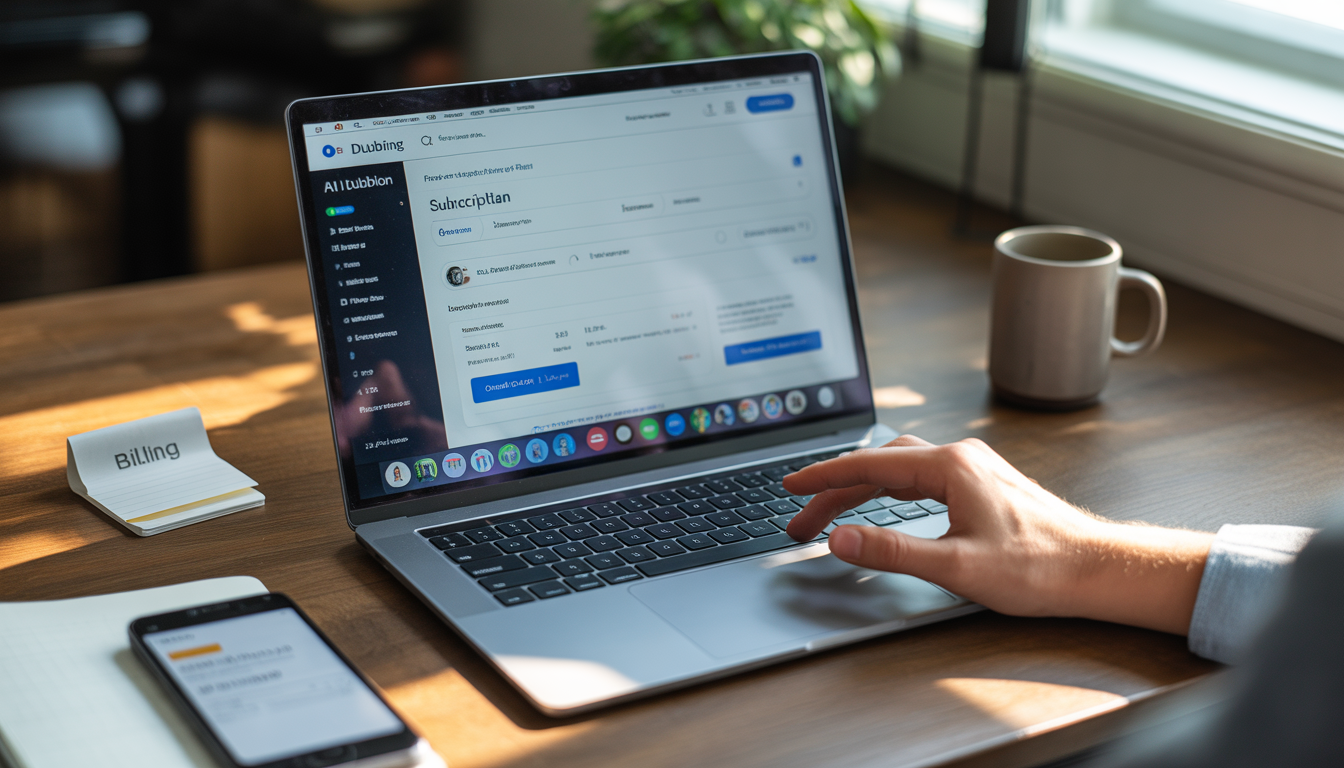
Step 3: Go to Billing or Subscription
Inside settings, there will be a section related to payments.
It might be called:
- Billing
- Subscription
- Plan
Don’t overthink it, just look for anything related to your plan or payments. This is where your active subscription is shown.
Step 4: Look for the Cancel Button
Now, this is the part most people miss. Some platforms don’t make the cancel button super obvious. You might have to scroll a little.
Look carefully for something like:
- Cancel Subscription
- Cancel Plan
Once you see it, click it.
Step 5: Confirm It
After clicking cancel, you’ll probably see a confirmation message.
It might ask:
- Are you sure?
- Why are you leaving?
You don’t need to overthink this part. Just follow the steps and confirm. Your subscription is now canceled.
What If You Subscribed Through Your Phone?
Here’s where things can get slightly different. If you didn’t subscribe directly on the website, you’ll need to cancel through the platform you used.
If You Used Android (Google Play)
- Open the Google Play Store
- Tap your profile icon
- Go to “Payments & Subscriptions”
- Tap “Subscriptions”
- Find Dubbing AI
- Tap “Cancel”
If You Used iPhone (App Store)
- Open your phone’s Settings
- Tap your name at the top
- Go to “Subscriptions”
- Find Dubbing AI
- Tap “Cancel Subscription”
Common Problems (And How to Fix Them)
Let’s be real. Sometimes things don’t go smoothly. Here are a few common issues and what you can do about them.
1. I Can’t Find the Cancel Option
This happens a lot
Try this:
- Check every tab in settings
- Use a laptop instead of your phone
- Look under “Billing” or “Plan” again
Sometimes the mobile version hides things. The desktop version is usually clearer.
2. I Canceled But I’m Still Being Charged
That’s frustrating but don’t panic yet
Check:
- Did you get a confirmation email?
- Did you cancel the correct account?
- Did you subscribe from Google or Apple instead?
If everything looks right and you’re still being charged, contact support.
3. I Don’t Remember How I Subscribed
This is more common than you think
Search your email for:
- Dubbing AI receipt
- Subscription confirmation
That email usually tells you where you signed up from.
Why People Usually Cancel
Let’s be honest, there’s nothing wrong with canceling
People do it for all kinds of reasons:
- They were just testing the tool
- They don’t use it anymore
- It doesn’t fit their budget
- They found something else
That’s normal. Canceling doesn’t mean you made a bad decision. It just means your needs changed.
A Simple Reality Check (PAS Framework)
Problem:
You signed up for Dubbing AI and now you’re paying for something you barely or maybe don’t even use. It happens to the best of us. You thought it sounded useful, you gave it a try, and now it’s sitting there quietly, quietly charging your account every month.
Agitation:
Here’s the frustrating part: each month, money leaves your account almost without notice. At first, it doesn’t feel like much. A few dollars here, a few there. But over time, it adds up. And suddenly you’re wondering, “Wait, why am I still paying for this?”
It’s not just about the money. It’s about principle. You worked for that money, and it’s going toward something you’re not even using. That feeling of wasted effort? Yeah, it stings a bit. Plus, the longer you wait, the more it piles up. One missed cancellation today could mean paying for a whole extra month you didn’t intend to.
Solution:
The fix is simple: cancel it
No overthinking. No waiting. No stressing about it. Just follow the steps we outlined earlier. Log in, go to settings, find your subscription, and hit cancel. In just a few minutes, you stop the payments. You stop the stress. You stop letting money slip away unnecessarily. you don’t lose anything else. Your account might stay active until the end of the billing period, so you still get the full value of what you already paid for.
It’s a tiny action that creates a big impact.
Cancel vs Keep: What Makes More Sense?
| Situation | Cancel Subscription | Keep Subscription |
| Not using the tool | ✔ Best choice | ✘ Waste of money |
| Using it regularly | ✘ Not ideal | ✔ Makes sense |
| Budget is tight | ✔ Helps save money | ✘ Extra cost |
| Still testing | ✔ Cancel for now | ✔ Keep if needed |
FAQs About Canceling Dubbing AI Subscription
1. How do I cancel my Dubbing AI subscription?
It’s easier than you think. Simply log in to your Dubbing AI account, head to Settings, then open Billing or Subscription. You’ll see an option to cancel, click it, confirm, and you’re done. That’s it. No hidden steps, no extra hoops.2. Will I get my money back?
Usually not. Most subscriptions, including Dubbing AI, stop future charges once you cancel. You’ll still have access until the current billing cycle ends, so you get the full value of what you already paid for.3. Can I cancel anytime?
Yes. You don’t have to wait until the end of the month or any special date. Subscriptions are designed to give you control, and canceling anytime is part of that.4. Why am I still getting charged?
If charges keep coming after cancellation, it’s usually because:- The cancellation process didn’t complete
- You canceled the wrong account
- You subscribed through a third-party platform like Google Play or Apple App Store
Check these carefully, and if it still happens, contact Dubbing AI support, they can help straighten it out.
5. Can I subscribe again later?
Absolutely. Canceling doesn’t block you from returning. You can re-subscribe anytime if you want to try the service again. Your previous account may even retain some of your settings, depending on the platform.6. Will my data be deleted?
Sometimes yes, sometimes no. It depends on the platform and how long you leave the account inactive. If keeping your work is important, consider downloading or backing it up before canceling.7. Is there any cancellation fee?
Nope. Most subscriptions, including Dubbing AI, don’t charge extra for canceling. You just stop the recurring payments moving forward.8. What if I subscribed through my phone?
If you used Google Play (Android) or the Apple App Store (iPhone), canceling must be done through those apps. The website cancel option might not affect your mobile subscription.- Google Play: Open Play Store → Payments & Subscriptions → Subscriptions → Dubbing AI → Cancel
- Apple App Store: Open Settings → Apple ID → Subscriptions → Dubbing AI → Cancel
9. How long does it take to cancel?
Usually, just a few minutes. Once you click cancel and confirm, the system immediately records it. Your access will remain until the current billing cycle ends, but future charges stop.10. Is canceling complicated?
Not at all. Once you know where to look Settings → Billing → Cancel. it’s straightforward. The key is following the right steps and double-checking which account you’re using.11. What if I change my mind after canceling?
No problem. You can always re-subscribe. Canceling doesn’t lock you out permanently. If you decide later that you want to use Dubbing AI again, it’s just a few clicks to get back in.12. Will canceling affect other subscriptions?
No. Canceling Dubbing AI only stops that specific subscription. All your other accounts and subscriptions remain unaffected.Conclusion: Just Get It Done
Let’s keep this simple and honest. There’s no need to overthink it. If you’re not actively using Dubbing AI, there’s really no reason to keep paying for it month after month. Sitting and debating whether you should cancel later only wastes time and lets more charges sneak past without you even noticing. The truth is, the process is easier than most people imagine. You don’t need a special plan, a perfect timing, or a complicated strategy. All it takes is a few minutes, log in to your account, head over to settings, find the subscription or billing section, and hit cancel. That’s it.
It literally takes less time than scrolling through social media or reading one more article online. And once it’s done, you can breathe a little easier knowing that no more surprise charges will appear on your bank statement. You get control back over your money and your account. The peace of mind is immediate, and the satisfaction of taking action is surprisingly rewarding.
Sometimes, the simplest actions have the biggest impact. Cancelling a subscription may feel small, but it’s a smart, proactive move that saves you money, reduces stress, and frees you from something you don’t actually need. So don’t wait any longer, take those few minutes today, cancel your Dubbing AI subscription, and move forward knowing you’ve handled it once and for all. It’s done, it’s simple, and it’s done well.