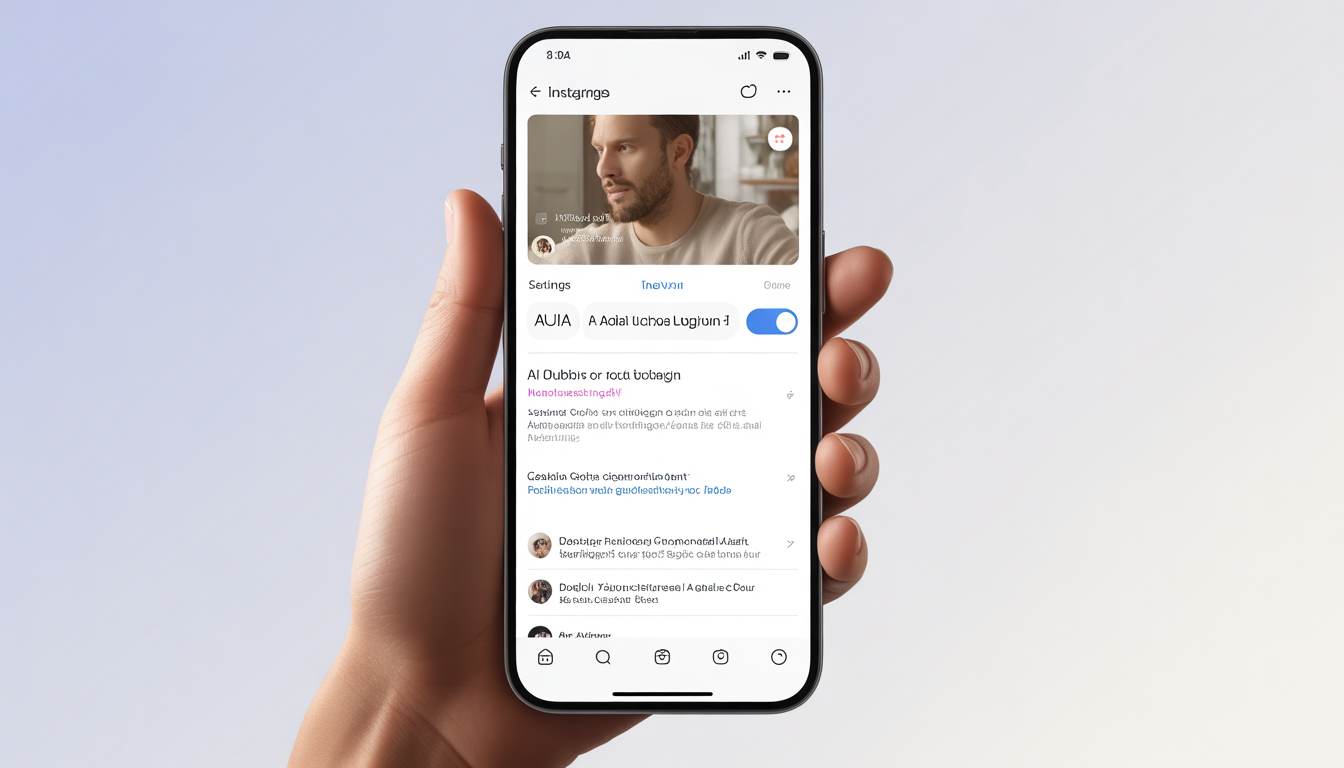
How to Turn Off Instagram AI Dubbing (Step-by-Step Guide)
Instagram keeps adding new AI tools to help creators reach people around the world. One of the newest features is AI dubbing. It can automatically translate your videos and replace your voice with an AI-generated voice in different languages.
At first, it sounds like a cool idea. Your video can suddenly speak to people in many countries.
But not everyone likes it.
A lot of creators feel that when AI replaces their voice, something important gets lost. Your tone changes. Your personality feels different. And the video doesn’t sound like you anymore.
For many creators, that real voice is what makes their content special. It’s what connects them with their audience.
So if you’d rather keep things authentic and let people hear your actual voice, you might want to turn off Instagram’s AI dubbing feature.
Don’t worry, it’s not complicated.
In this guide, you’ll learn exactly how to turn off Instagram AI dubbing step by step, so your content stays original and sounds just the way you recorded it.
What Is Instagram AI Dubbing?
Instagram AI dubbing is a feature that uses artificial intelligence to translate your videos into other languages and add a new voiceover automatically. Instead of recording the same video again and again in different languages, the system does the work for you.
The idea behind it is simple: help creators reach people from all over the world without spending hours recording multiple voiceovers.
But it doesn’t always work perfectly.
Sometimes the AI replaces your real voice with a computer-generated one. In other cases, the translation slightly changes what you originally meant to say. And when that happens, the video can start to feel a little less real or personal.
For creators who built their audience around their personality and their own voice, that can be pretty frustrating. After all, your voice is part of what makes your content yours.
Why Many Creators Turn Off Instagram AI Dubbing
A lot of creators choose to turn off AI dubbing on Instagram. The main reason is simple, they want to stay in control of how their content feels and sounds.
Here are a few common reasons why:
- It keeps their real voice in the video Their voice is part of who they are, and many creators want their audience to hear the real thing.
- It protects the emotion in their message AI voices can sound flat or slightly off, which sometimes removes the feeling behind what the creator is saying.
- It avoids translation mistakes AI dubbing can occasionally translate words the wrong way, and that can change the meaning of the message.
- It helps protect their brand A creator’s voice and style are part of their identity. Using AI voices can make content feel less personal.
- It keeps full creative control Creators like deciding exactly how their content sounds and how it connects with their audience.
At the end of the day, people follow creators because of who they are.
The voice, the tone, and the personality are what make the connection real, not an AI voice.
How to Turn Off Instagram’s Auto AI Dubbing
If Instagram is automatically dubbing videos into another language, it can feel a bit strange, especially when you just want to hear the original audio. The good news is that you can turn this feature off in a few quick steps.
Here’s how to do it.
Step 1: Open Instagram
Start by opening the Instagram app on your phone, just like you normally do.
Step 2: Go to Your Profile
Look at the bottom right corner of the screen and tap your profile picture. This will take you to your profile page.
Step 3: Open the Menu
Now look at the top right corner. You’ll see a three-line icon (☰). Tap it to open the menu.
Step 4: Go to Settings and Privacy
In the menu that appears, tap Settings and Privacy.
Step 5: Find AI or Language Settings
Scroll down a little and look for sections like Content Preferences, Accessibility, or AI Features. Instagram sometimes places the option in one of these areas.
Step 6: Turn Off AI Dubbing
Once you find AI Dubbing or Automatic Voice Translation, simply switch the toggle off.
And that’s it. After you turn it off, Instagram will stop automatically dubbing voices in videos, so you’ll hear them the way they were originally recorded.
Another Way to Reach a Global Audience (Without AI Dubbing)
If you want people from different countries to understand your content, AI dubbing isn’t the only option. There are a few simple things you can do that still keep your content feeling real and true to your voice.
For example, you can add subtitles yourself so viewers can read along while watching. You could also include captions in different languages, which helps more people follow what you’re saying.
Another idea is uploading separate voiceovers in other languages. Some creators do this by posting different versions of the same video for different audiences.
And don’t forget something very simple, writing your video descriptions in more than one language. That alone can help people from other countries understand what your content is about.
All of these methods help your content reach viewers around the world while still keeping it authentic and natural. Plus, they’re easy enough for anyone to start using.
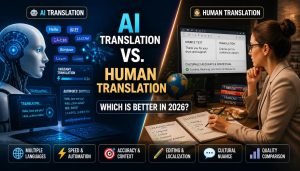
AI Dubbing vs Original Audio
| Feature | AI Dubbing | Original Audio |
| Voice authenticity | Artificial | Real creator voice |
| Emotional tone | Often reduced | Fully preserved |
| Translation accuracy | Sometimes incorrect | Creator controlled |
| Audience connection | Weaker | Stronger |
The Problem With Automatic AI Dubbing
Problem
Sometimes Instagram automatically replaces your real voice with an AI-generated one.
Agitation
And honestly, that can be frustrating. Instead of hearing you, your audience hears a robotic voice that doesn’t sound natural at all. It can make your message feel a bit cold or strange. Even worse, the personality that makes your content unique might disappear.
Solution
The good news? You can simply turn off Instagram’s AI dubbing.
That way, people hear your real voice, the one that carries your tone, your emotion, and your personality. And when your audience hears the real you, it feels more genuine. Because at the end of the day, authenticity builds stronger trust and trust keeps people coming back to your content.
Pro Tips for Creators
If you want people around the world to enjoy your videos but still keep your real voice, there are a few simple things that can help a lot.
- Start by adding closed captions. They show the words on screen so viewers can read along if they don’t understand the language perfectly.
- You can also add subtitles in different languages. That way, someone from another country can still follow your video without changing the original audio.
- Another helpful step is translating your captions. Even a few major languages can make your content easier for more people to understand.
- And don’t forget about clear visuals and storytelling. When your video shows things clearly and tells a simple story, people can understand it even if they miss a few words.
All of this helps viewers follow your content while your original voice stays exactly the way you made it.
Frequently Asked Questions About Instagram AI Dubbing
Q1: What is Instagram AI dubbing?
A: It’s a feature that can take your voice in a video, translate it into another language, and replace it with a computer-generated version. Basically, your words can “speak” in another language automatically.
Q2: Can I turn off Instagram AI dubbing?
A: Yes! If you don’t want your voice to be changed, you can switch it off. Just head to Instagram’s Settings → Privacy → AI Dubbing, and toggle it off.
Q3: Does Instagram dub videos automatically?
A: Sometimes it does, especially if the AI dubbing feature is turned on. But it won’t always happen unless the feature is active.
Q4: Why does Instagram change my voice?
A: The app uses AI dubbing so people who speak different languages can understand your video. Think of it as Instagram trying to translate your video’s “voice” for everyone.
Q5: Does AI dubbing affect engagement?
A: It can. Some people love hearing the original voice of the creator, so using AI dubbing might make your video feel less personal to some viewers.
Q6: Can viewers switch back to the original audio?
A: Yep! Usually, there’s an option in the video player where people can choose to hear your real voice instead of the AI version.
Q7: Is Instagram AI dubbing accurate?
A: It’s getting better all the time, but AI can still mess up translations. Don’t expect it to be perfect just yet.
Q8: Is AI dubbing available everywhere?
A: Not yet. Instagram rolls out features gradually, so some countries might not have it at all.
Q9: Should creators leave AI dubbing on?
A: It depends. If you care more about keeping your video authentic, you might want to leave it off. But if reaching people in other languages is more important, AI dubbing can help.
Q10: Does turning off AI dubbing remove subtitles?
A: Nope! You can still add subtitles or captions manually even if the AI dubbing is off.
Final Thoughts
AI tools can be handy, but your voice is what makes you, well. If Instagram automatically dubs your videos, it might change how your content really sounds. Turning that feature off makes sure your audience hears the real you.
You don’t need a robot voice to reach people around the world. Captions, translations, and subtitles do the job just fine and they let your personality shine through.
Your followers like you for your voice, your energy, and the way you say things. Don’t let AI take that away. Keep it real.